
Preview a collection.
Watch up to three paintings change every 15 seconds. Replay a preview before choosing a collection.
 Made for Apple TV
Christian art & daily verses
Browse Christian paintings with the Siri Remote. Press Back to reveal the daily passage, then return to the art.
Download on the App StoreAvailable for Apple TV · In-app purchases
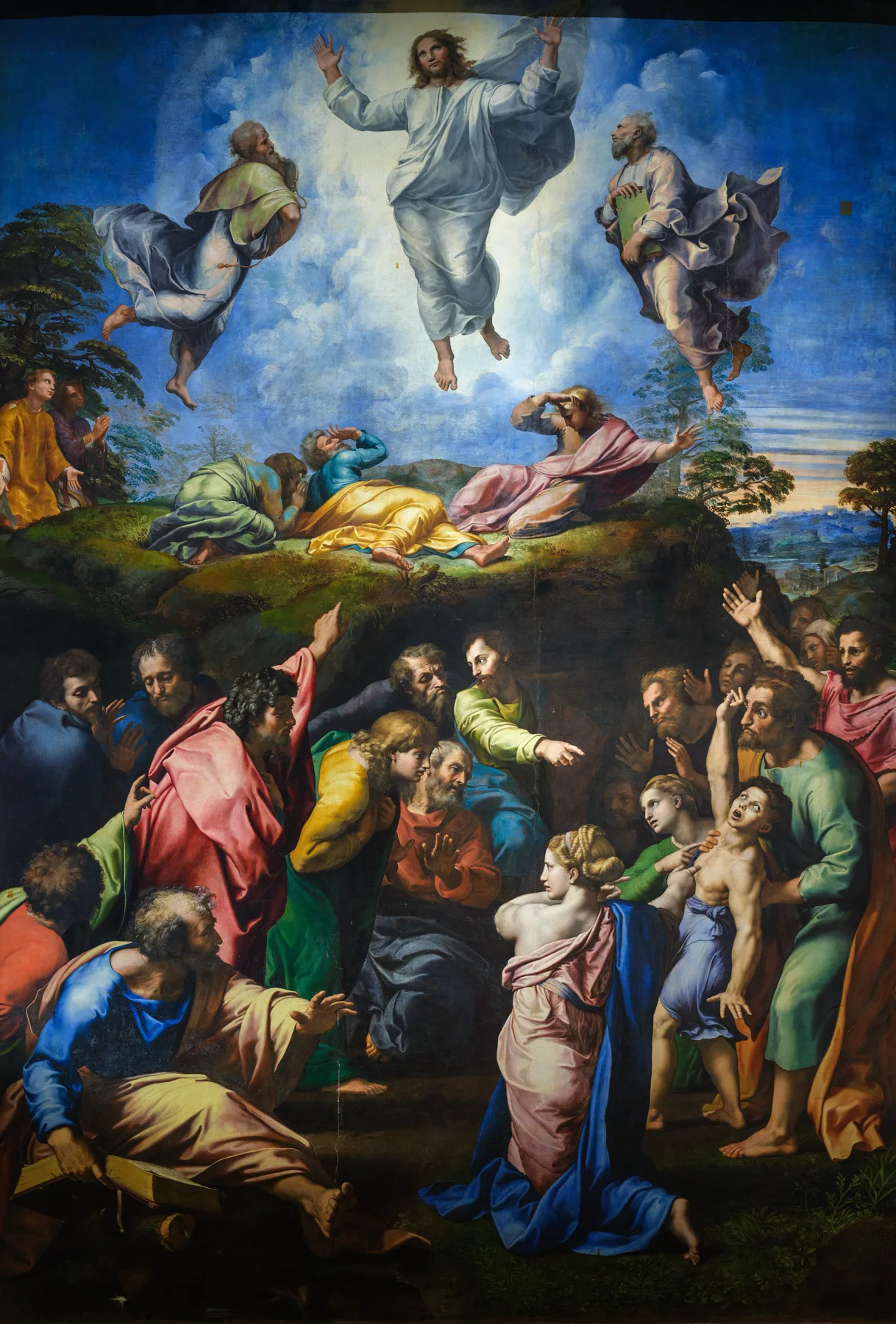
Raphael’s The Transfiguration. Art strip visible.
01 / Make it yours
Keep the whole painting in view, or let it fill the screen. Add the clock and date to make the view yours.
Adjust portrait framing, clock and date in the app’s Settings.
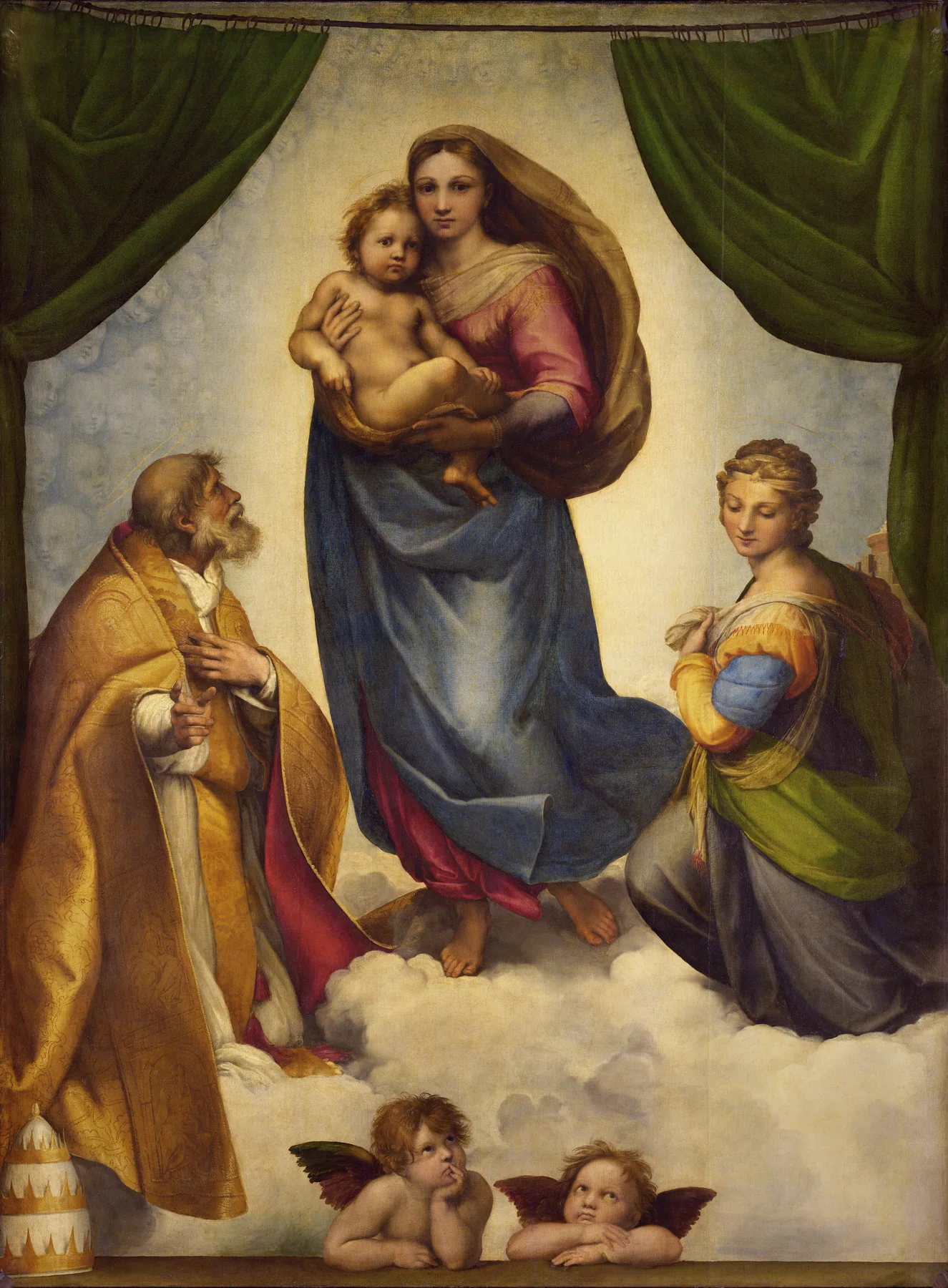
02 / The collections
From the Nativity to the Resurrection, explore twelve collections of Christian painting. Choose a theme and take a closer look.
A selection from the collection. Select a painting to view it in full.
03 / At home on your television

Watch up to three paintings change every 15 seconds. Replay a preview before choosing a collection.
Choose how portrait paintings appear. Keep a clock and date on screen, or turn them off.
Move between works with the Siri Remote or let the art advance automatically.

An enduring place for art
Buy a favorite collection or choose Bible Paintings TV Complete for all collections, including future additions if released. Each is a one-time purchase. There is no subscription.
Download on the App StoreOpen the App Store on your Apple TV and search for Bible Paintings TV. Download the app to explore the collections and replay their previews before purchasing.
Apple TV with tvOS 17 or later. English interface and Scripture.
Internet required for artwork downloads and purchases.
Questions & support
Need a hand with Bible Paintings TV?
Contact support ↗Include your Apple TV model, tvOS and app versions, collection, and what happened. Please do not send passwords or payment details.
Open the App Store on your Apple TV and search for Bible Paintings TV. The app requires tvOS 17 or later. You can explore collection previews before making an in-app purchase.
Each preview shows up to three paintings, changing every 15 seconds and ending within one minute. You can replay a preview or try another collection.
All collections, including future additions if released. Complete is a separate one-time purchase. Previous collection purchases are not deducted from its price.
Open Settings, then Restore Purchases, using the Apple Account used for the original purchase.
Yes. Show or hide the daily passage in Settings. The daily passages are in English.
Keep your Apple TV connected to the internet and allow the download to finish before opening the collection again. If the problem continues, contact support with the collection name.
Paintings are credited by artist and title in the gallery. View image sources and reproduction licenses. Website images are resized and converted to WebP. Scripture text in the app is credited under Settings, Legal.
EB Garamond and Source Sans 3 are distributed under the SIL Open Font License (Source Sans 3 license). Apple TV and Siri Remote are trademarks of Apple Inc. Bible Paintings TV is an independent product.
This website does not use analytics, cookies or contact forms. The support link opens your email application. This statement describes this website only. Read the app privacy policy for information about Bible Paintings TV.